
Nuelink vs Ocoya: Which One Delivers True Automation & AI Content?
Ocoya is built for the creator who needs to design and generate content. Nuelink is built for the automator who wants to set it, forget it, and keep content recycling forever.
Social media tools don’t just compete on features anymore, they compete on philosophy. This is where Nuelink and Ocoya go in opposite directions.
Ocoya is built for the creator who needs to design and generate content. Nuelink is built for the automator who wants to set it, forget it, and keep content recycling forever.
On one side, you have Ocoya, an AI-first platform built around the idea that the hardest part of social media is creating content. It brings writing, visuals, captions, hashtags, and scheduling into one workspace.
On the other side, you have Nuelink, which does all of the above but also focuses on what happens after content is created. It’s built to automate distribution, recycle evergreen posts, and turn your existing content, blogs, products, and podcasts, into a continuous social media library.
And this comparison matters more than ever.
We’re in a moment where everyone can create posts faster than ever thanks to AI, but very few can consistently get those posts to work across multiple platforms, at scale, without manual effort.
How Ocoya and Nuelink Have Different Approaches to Social Media Management?
At the core, the difference between Ocoya and Nuelink isn’t just features, it’s how each platform defines social media management.
Ocoya
Ocoya is built around people struggling not with posting, but with what to post. So it positions itself as an all-in-one creative workspace where you can:
- Write captions using AI.
- Generate post ideas and hooks.
- Design visuals with built-in templates.
- Add hashtags automatically.
- And schedule everything in one flow.
This makes it especially useful when you’re starting from scratch or constantly needing new content ideas. But the trade-off is important. Ocoya is primarily optimized for content production efficiency, not long-term distribution.
Nuelink
Nuelink, on the other hand, starts from a very different assumption.
Most businesses already have enough content, blogs, products, videos, podcasts, newsletters, the real problem is that none of it gets distributed consistently or reused effectively.
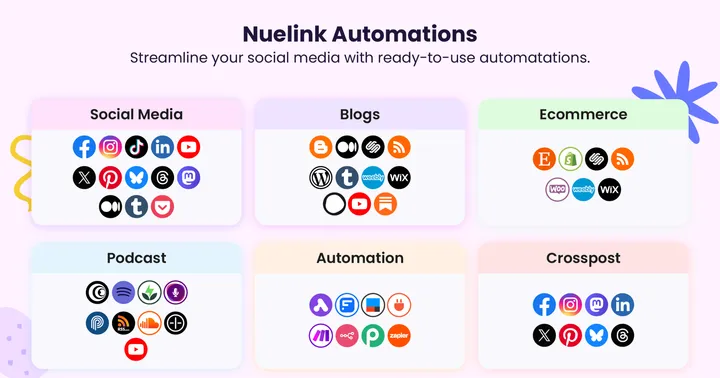
So instead of focusing on just creation, Nuelink focuses on turning existing content into an automated publishing system.
It’s built around:
- Auto-posting new blog articles, products, or episodes.
- Reposting evergreen content automatically over time.
- Structuring content into collections.
- Crossposting across multiple platforms without manual effort.
- Keeping social channels active even when you’re not actively posting.
Nuelink helps you scale what you’ve already produced, without extra work.
If you strip everything down, both approaches are valid, but they solve different bottlenecks in the content workflow.
What Ocoya Does Best vs What Nuelink Does Best?
This is where the difference between creation-first tools and automation-first systems becomes very visible. Both Ocoya and Nuelink cover social media management, but they optimise for completely different layers of the workflow.
AI Content Creation
Ocoya
Ocoya is clearly built with AI at the center of the experience. Inside Ocoya, you get a strong creative stack:
- AI caption and copy generation (posts, ads, hooks, short-form content).
- Hashtag suggestions based on content context.
- Built-in design tools with templates for images and creatives.
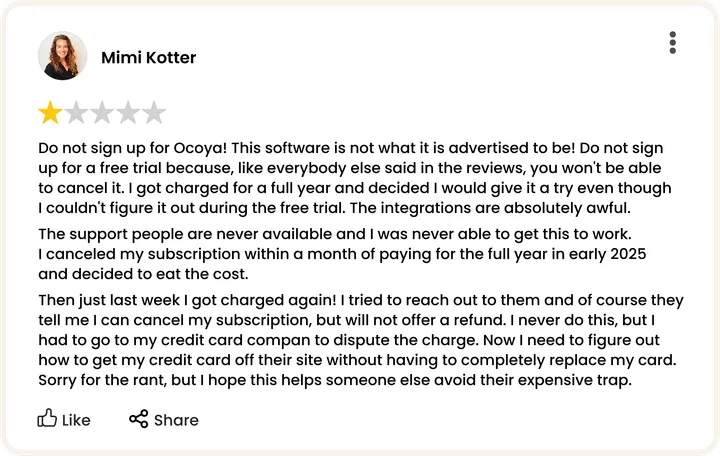
It feels like a lightweight creative studio designed specifically for social media output. Although the integrations can sometimes leave something to be desired.
Nuelink
Inside Nuelink, AI exists, but it plays a different role. Instead of trying to replace your content creation stack, Nuelink’s NueAI assistant is designed to:
- Help write or refine captions.
- Suggest post variations for content you already have.
- Support hashtag generation when needed.
- Assist in optimizing content before posting.
Scheduling & Automation
Ocoya
Ocoya provides a basic scheduling system:
- Standard post scheduling across platforms.
- RSS-based automation for blog updates.
- Simple workflow triggers for posting consistency.
It’s reliable for basic publishing needs. However, automation here is still closely tied to individual posts, not larger content systems.
Nuelink
This is where Nuelink clearly differentiates itself. Instead of just scheduling posts, it builds automation systems around content:
- Collections (grouping content by theme, campaign, or category), this is how Collections work.
- Crossposting automations. See how to automatically crosspost your Instagram Reels to TikTok with Nuelink.
- Evergreen recycling (republishing top-performing content over time).
- Automatic posting from blogs, Shopify products, podcasts, and RSS feeds.
- Bulk creation tools. Bulk upload (100 posts in one go) and bulk create (25 posts). See how to bulk schedule your social media posts with Nuelink.
It essentially turns social media into a self-running distribution engine. Once set up, content keeps flowing without constant manual scheduling.
Content Distribution & Platforms
Ocoya
Ocoya supports the main social networks:
- Facebook.
- Instagram.
- LinkedIn.
- X.
- Pinterest.
Plus a few beta integrations like YouTube Shorts and Threads. It covers the essentials, and nothing more.
Nuelink
Nuelink supports a wider and more diverse set of platforms:
- Facebook, Instagram, LinkedIn.
- TikTok, Pinterest, YouTube.
- X, Threads, Bluesky, Mastodon.
- Telegram and Google Business.
See all platforms supported by Nuelink.
Integrations & Ecosystem
Ocoya
Ocoya integrates with:
- Shopify
- WooCommerce
- Canva
- Unsplash
This makes it strong for users who want quick design and e-commerce posting in one place.
Nuelink
Nuelink takes integrations further into content systems:
- Shopify, WooCommerce, Etsy…
- WordPress, Substack…
- Podcasts and RSS feeds…
- First comment automation and auto-retweet.
- Crossposting automations.
- Built-in link in bio and link shortener. Learn more about Nuelink's link shortener.
- Canva, Unsplash
Instead of focusing only on design tools, it connects deeply with where content actually originates.
How Ocoya and Nuelink Compare on Pricing and Overall Value?
Both Ocoya and Nuelink are competitively priced, but what you’re actually paying for in each case is fundamentally different.
Ocoya Pricing Structure
Most plans are structured around:
- Workspaces and team size.
- Number of connected social profiles.
- AI credits (used for generating captions, ideas, and content).
- Access to design and creative features.
| Plan | Price | Workspaces | Users | Social Profiles | AI Credits | Automation Runs |
|---|---|---|---|---|---|---|
| Bronze | $15/mo | 1 | 1 | 5 | 100 | 10 |
| Silver | $39/mo | 5 | 5 | 20 | 500 | 100 |
| Gold | $79/mo | 20 | 20 | 50 | 1,500 | 1,500 |
| Diamond | $159/mo | Unlimited | 50 | 150 | Unlimited | 10,000 |
| Enterprise | Custom | Custom | Custom | Custom | Custom | Custom |
This makes pricing feel tied directly to how much content you can create inside the platform.
Nuelink Pricing Structure
Nuelink takes a different approach. Instead of pricing around AI output, it scales around brands, channels, and automation power.
Plans are typically based on:
- Number of brands you manage.
- Number of connected social channels.
- Automation rules and workflows.
- AI credits (supporting role via NueAI).
This structure is designed to support multi-account, multi-system usage, not just content creation.
| Plan | Price | Social Channels | Brands | Members | Automations | Collections | Nue AI Credits | Posts Queue | Link in Bio | API & MCP Access |
|---|---|---|---|---|---|---|---|---|---|---|
| Standard | $24/mo | 10 | 1 | 1 | 10 | 10 | 500 | 365 | 1 | Yes |
| Premium | $48/mo | 30 | 3 | 3 | 30 | 30 | 3,000 | Unlimited | 3 | Yes |
| Business | $78/mo | 60 | 6 | 6 | 60 | 60 | 6,000 | Unlimited | 6 | Yes |
| Agency | $128/mo | 100 | 10 | 10 | 100 | 100 | 10,000 | Unlimited | 10 | Yes |
| Agency-Plus | $228/mo | 300 | 30 | 30 | 300 | 300 | 30,000 | Unlimited | 30 | Yes |
This makes Nuelink especially attractive for:
- Agencies managing multiple clients.
- E-commerce brands running automated product posting.
- Creators repurposing content across multiple platforms at scale.
What Are the Pros and Cons of Ocoya vs Nuelink?
Both Ocoya and Nuelink come with clear strengths and trade-offs. Looking at their pros and cons side by side helps highlight what each platform is really optimized for, and where each one falls short depending on your workflow and goals.
Ocoya
Pros
- Strong AI content generation for captions, posts, and ideas.
- Built-in design tools reduce the need for external apps like Canva.
- Beginner-friendly for creators starting from zero content
Cons
- Scheduling reliability can be inconsistent for some users.
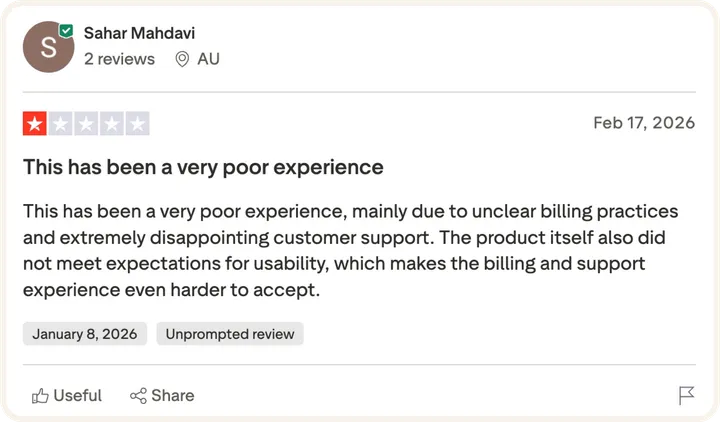
- The support is at best unreliable.
- Automation depth is relatively basic compared to advanced tools.
- Analytics are fairly limited for deeper performance tracking.
- Less suited for agencies.
Nuelink
Pros
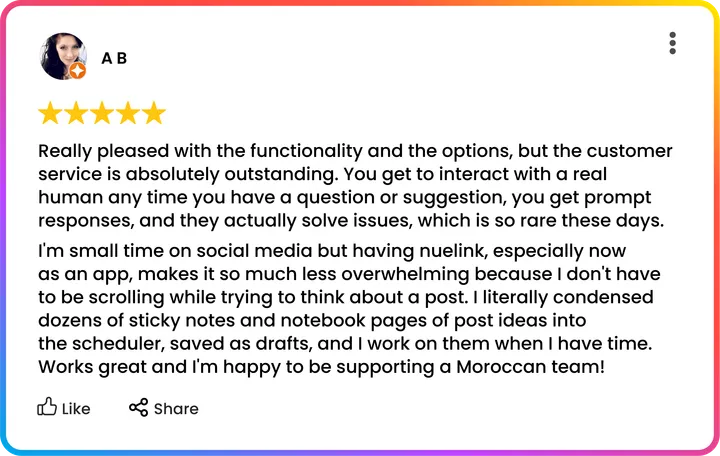
- Strong automation engine built for scaling content systems.
- Evergreen recycling keeps content working long after it’s published.
- Powerful crossposting across multiple platforms automatically.
- Excellent for managing multiple brands or client accounts.
- Wide ecosystem of integrations (blogs, ecommerce, podcasts, RSS).
- Supports both major and emerging social platforms.
- Recently added an API feature for all users at no extra cost.
Cons
- Less focus on visual design and creative editing tools.
- AI is supportive, not a full content generation engine.
Nuelink shines when your goal is turning content into a long-term automated distribution system.
Final Verdict
Ocoya and Nuelink are built for different parts of the workflow. However, when it comes to execution at scale, Nuelink clearly stands out.
Nuelink is designed around the idea that content shouldn’t be one-and-done, it should keep delivering value long after it’s published. Instead of focusing on individual posts, it turns content into an ongoing system that runs automatically across platforms, formats, and time.
This removes the constant pressure of deciding what to post next and replaces it with structured automation that keeps your social channels consistently active in the background.