

Nuelink Is Now an Official ChatGPT Plugin
Nuelink is now an official ChatGPT plugin. Connect your account to create drafts, schedule social posts, and check publishing results from a conversation.
You can now use Nuelink directly from ChatGPT now! 🔥
Our official ChatGPT plugin is live, giving you a way to turn the ideas you work on in a conversation into drafts, queued posts, and scheduled content in Nuelink.
If you already use ChatGPT to brainstorm campaigns or write captions, this brings the next step into the same workflow. Connect your Nuelink account, choose where your content should go, and tell ChatGPT what you want to do.
Try the Nuelink plugin on ChatGPT →
The Future of Scheduling Is a Conversation
A useful idea often starts in a chat. You work through the angle, rewrite the opening, and finally get the post right. Getting that content into your publishing calendar should feel like a natural next step. That is what we are building toward with Nuelink’s ChatGPT plugin: a shorter path from an idea to a post that is ready to go.
As our founder, Bilal Ararou, put it in his announcement: “The future of scheduling is a conversation.”
 Bilal Ararou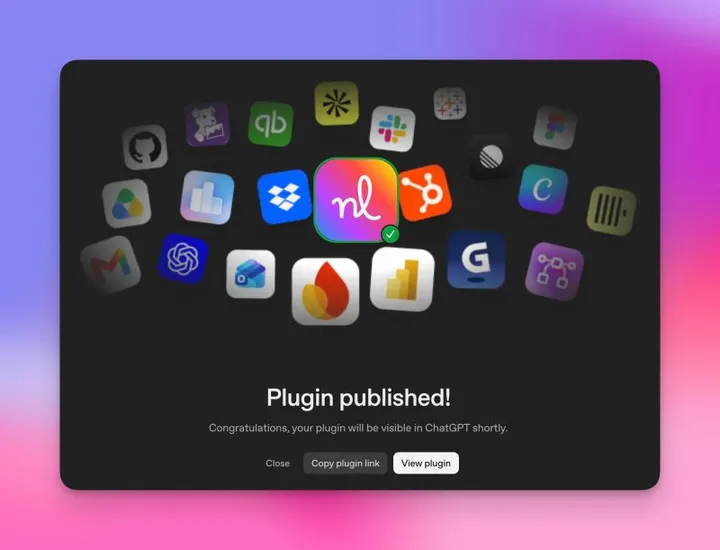
What Can You Do with Nuelink in ChatGPT?
The plugin connects your conversation to your Nuelink workspace. ChatGPT helps you develop the content, while Nuelink handles the publishing workflow.
- Create social drafts: turn a brief, announcement, or idea into posts saved in a Nuelink collection.
- Queue or schedule content: add approved posts to your collection’s queue or choose a specific publishing time.
- See what is coming up: check your drafts, scheduled posts, and weekly posting slots.
- Work across brands: choose from the brands and collections available to your connected account.
- Check publishing results: review delivery status and available post engagement metrics, which vary by social platform.
You can also work with your media library, organize collections, and manage supported feed automations.
Explore the Nuelink MCP documentation for the full workflow and available tools.
How to Connect Nuelink to ChatGPT
1. Open the Nuelink plugin
Visit Nuelink’s official ChatGPT plugin page and follow the prompts to add it to your account.
2. Connect your Nuelink account
Follow the sign-in and authorization flow, review the requested access, and return to ChatGPT. Have a Nuelink brand and collection ready, with your social channels connected to the collection you want to use.
3. Check your workspace
Start with a simple request:
Use Nuelink to show which account I am connected to. List my brands and collections without changing anything.
4. Save your first draft
Try a text-only post first:
Save “Something new is coming. Stay tuned for the announcement.” as a draft in [brand] and [collection]. Show me the saved draft.
Open Nuelink to review it and confirm its status.
Three Prompts to Try Next with Nuelink + ChatGPT
Create posts and schedule one
Write three social posts about [topic] for [brand]. Show me the posts and ask which one I want to schedule in [collection] for [date and time].
Reschedule an existing post
Find the post about [topic] in [brand]. Show me its current scheduled date and time, then reschedule it for [new date and time]. Ask me to confirm before making the change.
Check Instagram performance and find new content ideas
Check my Instagram performance for the last 30 days. Show me the best-performing posts and suggest the next topic I should focus on.
Try Nuelink on ChatGPT
Start with one idea and one draft. Then try bringing the rest of your social publishing workflow into the conversation.
New to Nuelink? Start your 7-day free trial and connect your social channels.
We would love to hear what you try first, and what you would like to do next.
Share your feedback on Bilal’s announcement post.